
Import a song
Pick an MP3, FLAC, OGG/Opus or WAV file and the app splits it into six stems.
- Six stems: drums, bass, guitar, piano, vocals and other
- Separation runs on your phone, not a server
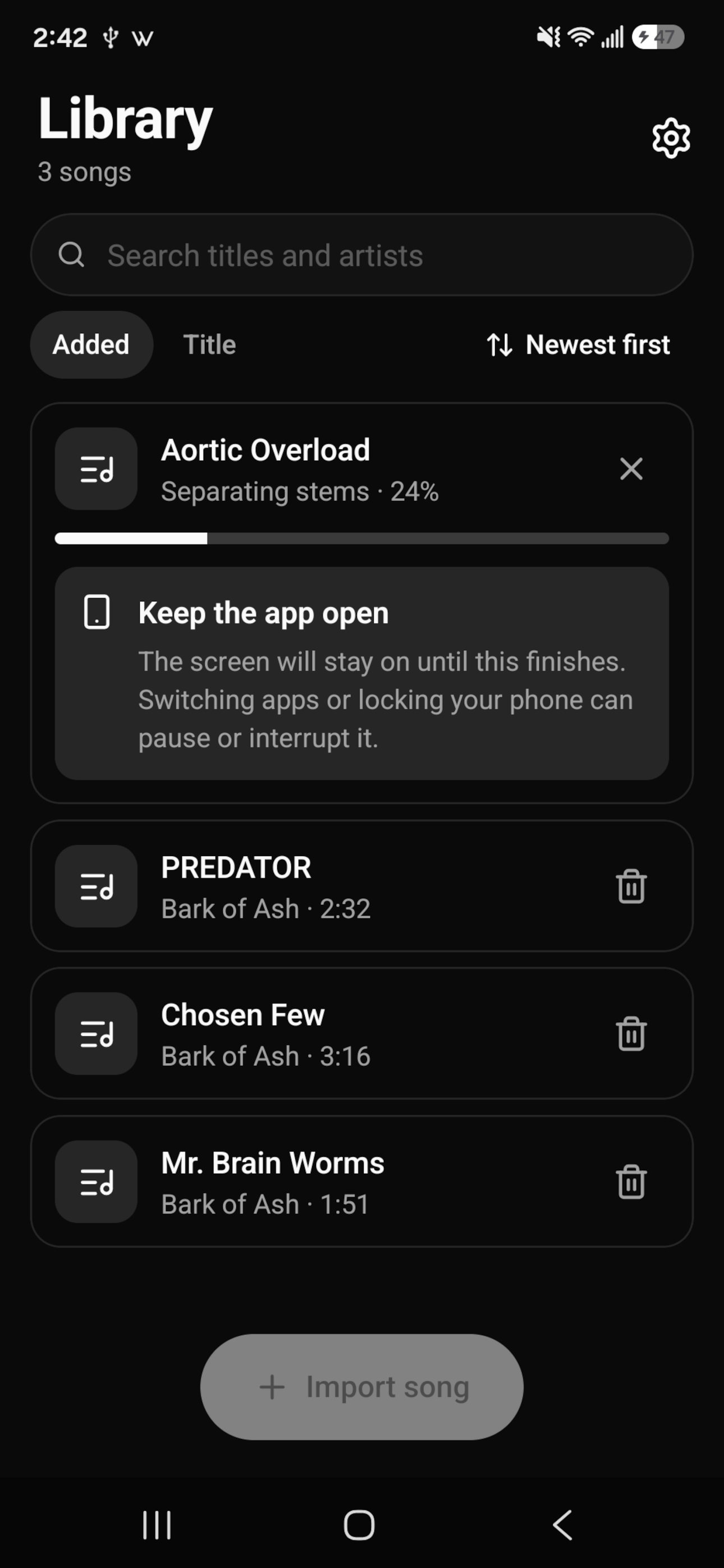
No subscription · Runs on your device
Remove the guitar, vocals, drums or any other part from songs you already have, then play along. Most stem separation apps charge a monthly subscription. Backing Track Creator costs $4.99 once.
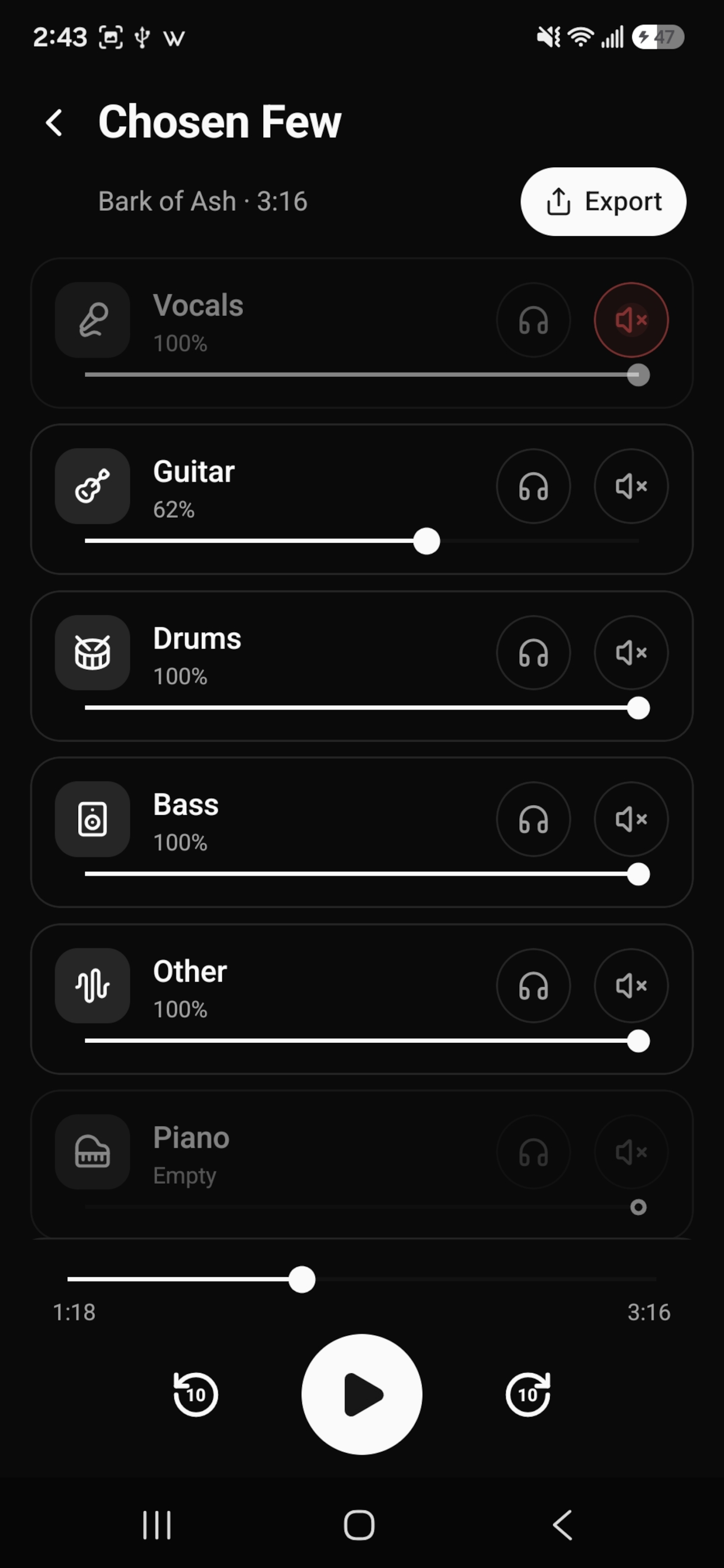
Pick an MP3, FLAC, OGG/Opus or WAV file and the app splits it into six stems.
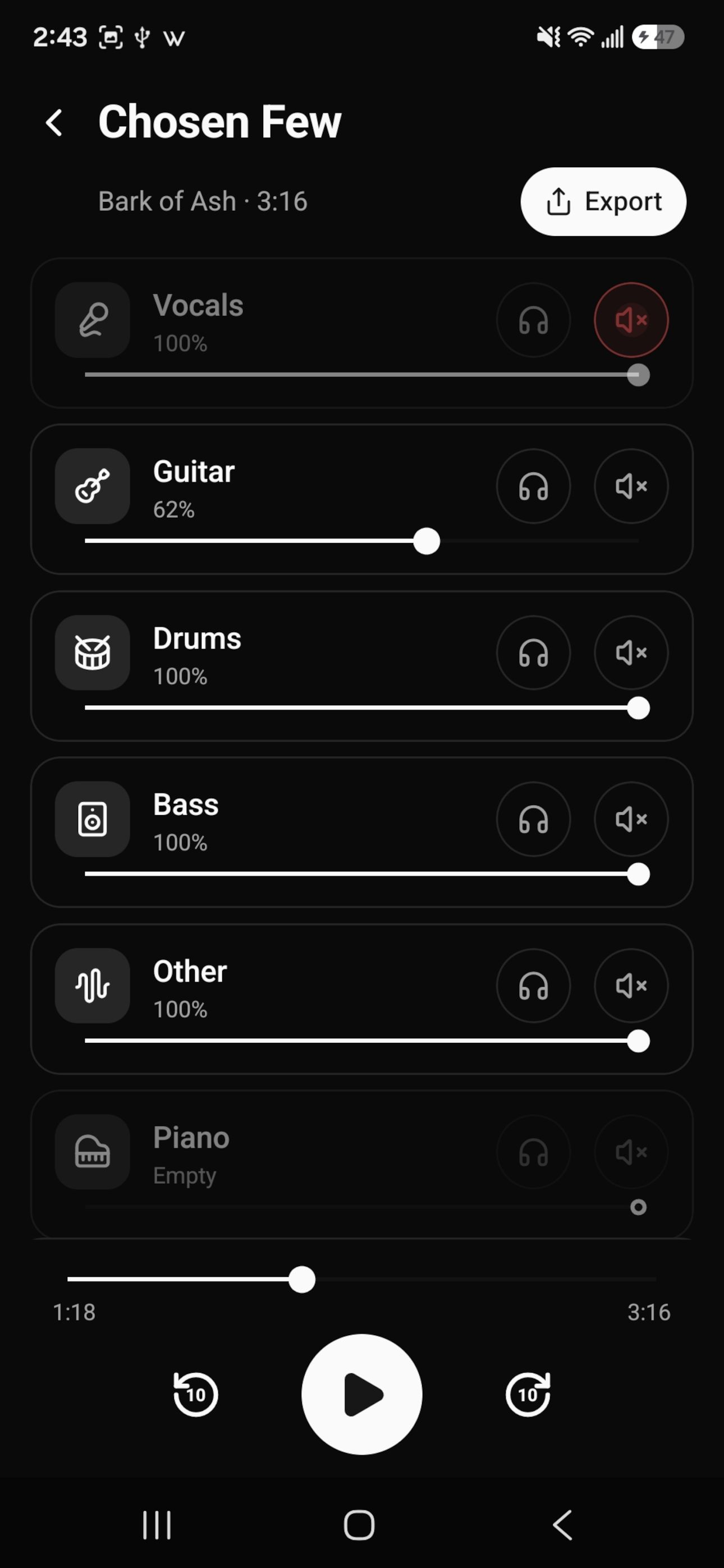
Mute the instrument you play, solo the bass to learn a line, or turn the vocals down and sing.
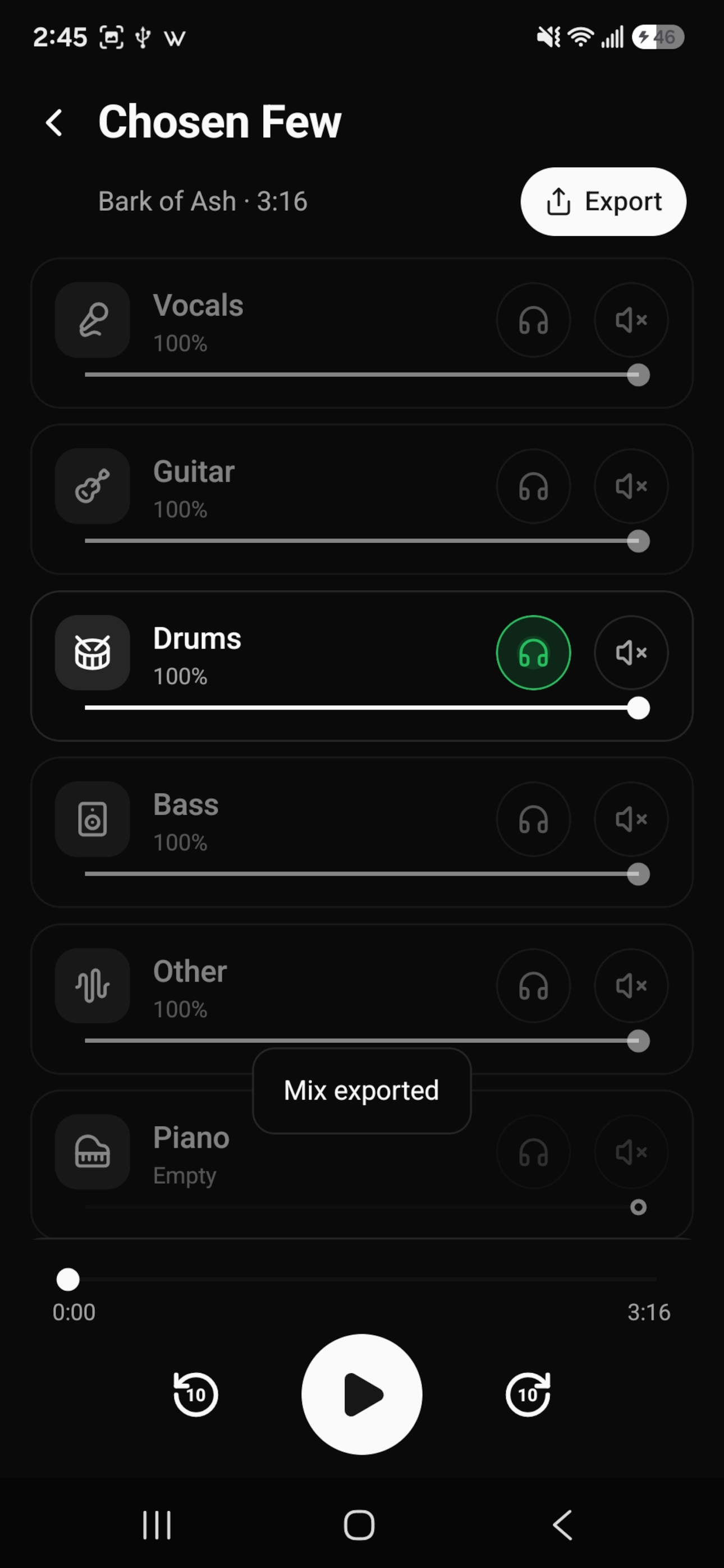
Playback continues in the background, with controls on the lock screen. You can also export the current mix as a WAV file.
Your songs are never uploaded and there's no account to sign up for. Everything happens on your phone, and after a quick one-time download, the app works without an internet connection.
Backing Track Creator is an iPhone and Android app that splits any song into six separate tracks: drums, bass, guitar, piano, vocals and other. You can then mute, solo or change the volume of each track to make a backing track to play or sing along with.
Import the song into Backing Track Creator and it separates the instruments for you. Then mute the track you want to remove, such as guitar, vocals or drums, and play along with the rest. You can also export the result as a WAV file.
Backing Track Creator costs $4.99 as a one-time purchase. There are no ads, no subscription and no account to create.
Backing Track Creator splits a song into six stems: drums, bass, guitar, piano, vocals, and other, which holds everything else such as synths and strings.
No. Backing Track Creator separates and plays songs on your phone. Your music and the separated tracks are never uploaded and are saved only on your device.
Yes. The first time you import a song, Backing Track Creator does a quick one-time download. After that, you can import, mix and export songs without an internet connection.
Backing Track Creator imports MP3, FLAC, OGG/Opus and WAV files. Mixes are exported as WAV files.
Yes. Backing Track Creator exports the current mix as a WAV file you can save anywhere on your phone. Your mix settings are also remembered for each song in the app.
Backing Track Creator is available for Android on Google Play. The iPhone version is coming soon to the App Store.
See our privacy policy.
$4.99, one-time purchase. No ads or subscription.